


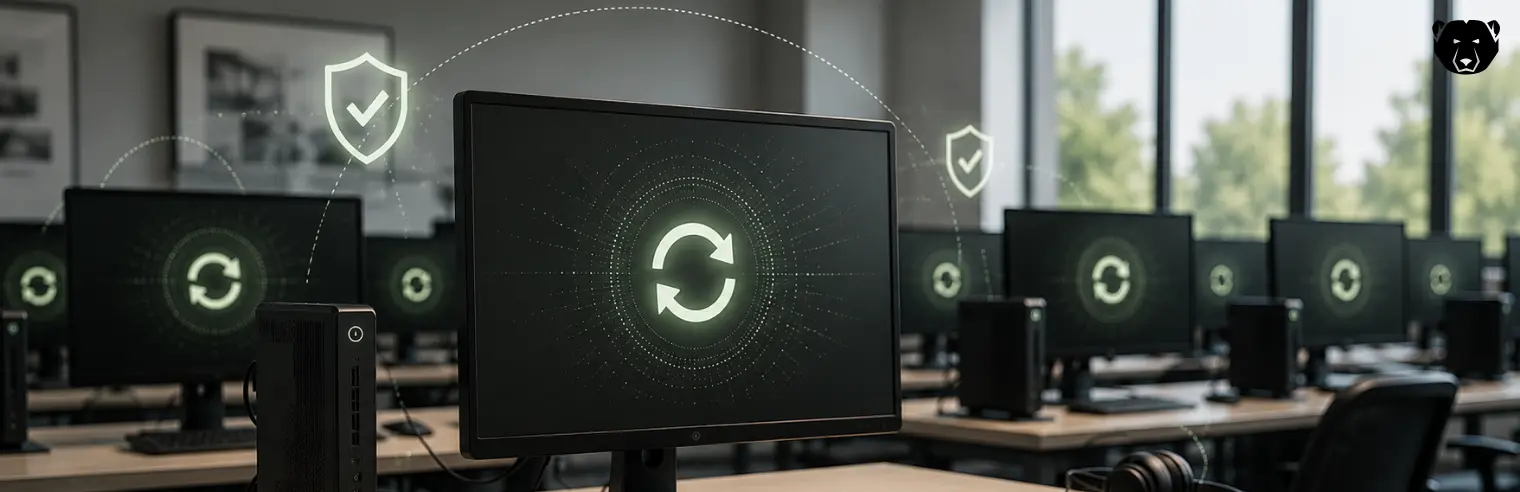
Shared, multi-user endpoints present a fundamental problem: each session leaves traces, and over time those traces accumulate. Reboot-to-restore technology solves this by resetting a machine to a known-good state on every restart.
For IT teams managing kiosks, computer labs, or training rooms, this approach turns transient use into a manageable pattern rather than a constant source of tickets.
What “Non-Persistent” Means for Shared Endpoints
A non-persistent endpoint returns to a defined starting state every time it restarts. Whatever happened during the session is discarded (not written permanently to disk). The machine boots back into the exact configuration that IT set as the baseline.
This differs from a standard endpoint, where changes persist until someone manually reverses them or reimages the machine. On a shared device, that persistence is a liability: one user’s changes become the next user’s starting point, and problems compound across sessions instead of resetting.
Non-persistence treats each session as isolated. What happens on the machine stays there, only for as long as it stays powered on.
How Non-Persistence Applies Across Kiosks, Labs, and Training Rooms
Kiosks, labs, and training rooms are all shared endpoints, but each puts non-persistence to a different job.
Kiosks
Kiosks run unattended, often for long stretches without a reboot outside a scheduled maintenance window. A single unit might serve hundreds of walk-up users a day through a locked-down interface rather than a full desktop.
The risk here surrounds session residue. Because kiosks restart infrequently on their own, non-persistence is usually paired with a scheduled or session-triggered restart. That way, the reset happens on a fixed cadence rather than only when someone remembers to reboot the machine manually.
Labs
Lab machines see the heaviest software churn of the three. Students and researchers install applications, change environment variables, and adjust settings to suit a specific assignment — then move on. Without a reset mechanism, a lab full of identical machines drifts into dozens of slightly different configurations within a semester. Troubleshooting becomes guessing which installation broke which setting.
Reboot-to-Restore lets a lab run open, giving users local admin rights to install what a course requires. That installation just doesn’t become permanent. Every machine reopens the next class period in the state it started in, and IT sets the baseline once per term rather than fielding tickets for machines that have drifted.
Training Rooms
Training rooms cycle through different audiences and different software configurations more often than kiosks or labs. One session might need a specific application installed and licensed. The next, something else entirely.
Non-persistence means a room can be configured for one course, run it, and reset to a clean base rather than accumulating leftover software and licenses from every course that used it before. It also protects sensitive material. Contents left open during a workshop do not carry over to the next group on the same machines.
How Reboot-to-Restore Delivers Non-Persistence
Reboot-to-Restore works by intercepting writes to disk rather than blocking them. Once enabled, it redirects data written during a session into a temporary cache instead of committing it to the protected baseline. Applications behave normally, files save, settings change, but none of it touches the underlying disk image.
On restart, the cache is discarded and the machine reads from the original baseline again.
This is different from limiting user permissions. A locked-down account still writes changes that persist inside its own profile. Reboot-to-Restore doesn’t care what account made the change or how it was made. Every write, regardless of source, is treated the same way: temporary, and gone at the next reboot.
Discover Deep Freeze
Faronics Deep Freeze applies Reboot-to-Restore to kiosks, labs, and training rooms, so every machine returns to its configured baseline on restart. IT sets the standard once, and every session afterward starts from it, without manual cleanup between users.
FAQs
Does Reboot-to-Restore Work the Same way on Windows and Mac?
The underlying mechanism (redirecting disk writes to a temporary cache and discarding them on restart) applies to both. Implementation details differ by OS, but the result is consistent across platforms.
Can Reboot-to-Restore Be Used With Virtual Desktop (VDI) Environments?
It depends on the setup. Non-persistent VDI pools already reset on log-off through the hypervisor, so Reboot-to-Restore is typically unnecessary there. On persistent VDI or physical endpoints, it applies the same way it does on any traditional machine.
What Happens if a Device Loses Power Before it Reboots?
Because session changes sit in a temporary cache rather than being written to the protected baseline, an unexpected power loss doesn’t corrupt that baseline. Any unsaved session data is lost, but the machine still boots back into its known-good state.
How Is Reboot-to-Restore Different From a System Restore Point?
A restore point is a manual or scheduled snapshot that rolls back select system files and settings when someone triggers it. Reboot-to-Restore resets the entire disk automatically every time the machine restarts without anyone deciding to invoke it.
Does non-Persistence Affect Performance or Boot Time?
The write-redirection layer adds negligible overhead during normal use. Boot time is comparable to a standard restart, since the process reads from a fixed baseline.





 your Deep Freeze license count and free for up to 3 years