


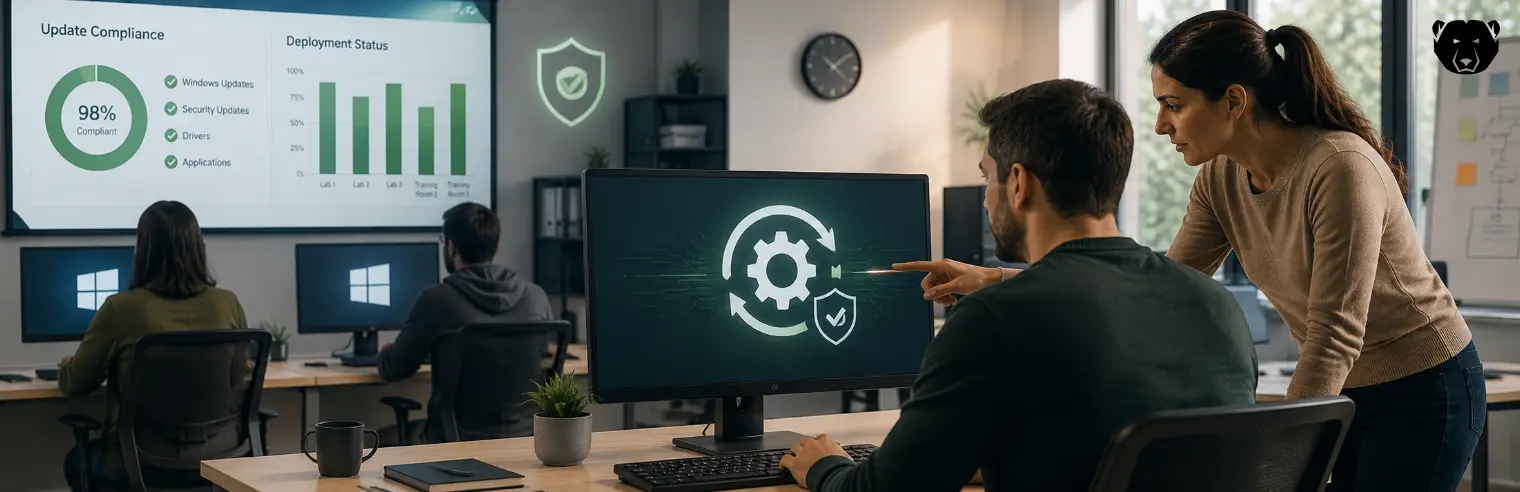
Reboot-to-Restore protection holds an endpoint at a defined baseline by discarding every disk change when the machine restarts. Windows updates are disk changes like any other, so a frozen machine can install a patch, report it as applied, and lose it on the next reboot.
Patch compliance depends on changes that persist, which is the one thing the protection is built to prevent. This article covers how updates are applied to frozen endpoints so the patches hold and the baseline stays intact.
The Patch-vs-Freeze Conflict
On a frozen machine, writes go to a temporary overlay that clears on restart rather than to the disk. A Windows update installs into that overlay, so it works during the session but is gone after the next reboot, and the endpoint returns to its unpatched baseline.
This makes unplanned patching self-defeating. The machine reports itself compliant while the update is live, then falls out of compliance on the next restart. Some Reboot-to-Restore tools hold the update service back while a machine is frozen, rather than install patches a reboot would discard.
Protection discards changes and patching keeps them, so applying updates means lifting the freeze in a controlled window and restoring it with the patch folded into the baseline.
How To Patch Frozen Endpoints Without Losing the Golden Image
Updates persist when they are applied with the freeze lifted and then captured into the baseline, so the machine reverts to a patched image (rather than an old one). Four mechanisms, in particular, make this reliable across a fleet:
-
Automated Thaw-Patch-Refreeze Cycles
A maintenance window is a scheduled period in which the agent thaws the machine, runs Windows Update, and refreezes when it finishes. With the freeze lifted, the writes reach the disk and are kept, so the patches become part of the baseline.
Many updates stay pending until a restart, then finalize across further restarts. If the freeze returns mid-finalization, the machine can boot frozen with the update only partially applied. To prevent this, the window ends when the update completes.
-
Updating the Golden Image Itself vs. Individual Machines
A patch can land in two places:
- Patching in place thaws each machine, installs the update, and refreezes, so that machine’s baseline carries it.
- Updating the golden image instead patches the master from which machines are re-imaged, so the change arrives through imaging.
The two solve different problems. In-place patching keeps running machines current, but any device that misses a window drifts behind. Refreshing the master keeps new deployments current, so a re-imaged machine does not start months behind. Most environments do both.
-
Caching Updates for Distribution at Scale
Downloading and installing an update are separate steps. Fetching the package does not alter the protected state, so it can run while frozen. Only installation needs a thaw. Caching packages ahead of the window means the thawed period is spent installing, not downloading.
The maintenance window is finite. If every machine pulled the same gigabytes over the WAN during it, the window would overrun and the network would become saturated. Holding updates locally, or serving them from a point on the LAN, lets each machine install from nearby instead of the internet.
-
Centralized Patch Visibility and Reporting
Each endpoint runs an agent that reports its state to a central server: frozen or thawed, and which updates its last run installed. The console aggregates this into one view, so an administrator sees which machines are current and which lag.
A scheduled run does not always succeed: a machine may be off, an update may err, or the window may be cut short. Reporting turns the scheduled task into a confirmed one: the console shows that a machine installed an update and refroze.
Discover Deep Freeze Cloud
Deep Freeze Cloud applies Reboot-to-Restore protection. It manages the whole patch cycle from one console, from scheduling unattended maintenance windows to reporting patch status across every machine.
FAQs
Do Windows Updates Get Erased When a Frozen Machine Reboots?
If installed during a normal frozen session, yes. The update goes to the overlay and clears on restart with every other change. It persists only when installed while thawed and captured into the baseline before refreezing.
Can Deep Freeze Download Updates While a Machine Is Still Frozen?
Yes. Downloading does not alter the protected state, so updates can be cached while the machine stays frozen. Only installation needs a thaw, so the download runs ahead of the window.
Does Deep Freeze Work With WSUS for Patch Approval?
Yes. It can point at an in-house WSUS server, so you approve updates there and the window installs whatever you’ve approved.
Can Updates Be Scheduled To Run Automatically Without User Action?
Yes. A scheduled window thaws the machine, runs the update, handles the required restarts, and refreezes when finished — with no one present. Power management can wake machines that are off.
What Happens if a Machine Is Powered Off During a Scheduled Update?
It misses that run and stays at its baseline until the next window. Nothing is left half-applied, since an update is only kept once it completes and refreezes. Wake-on-LAN can power it on so the window is not skipped.





 your Deep Freeze license count and free for up to 3 years