


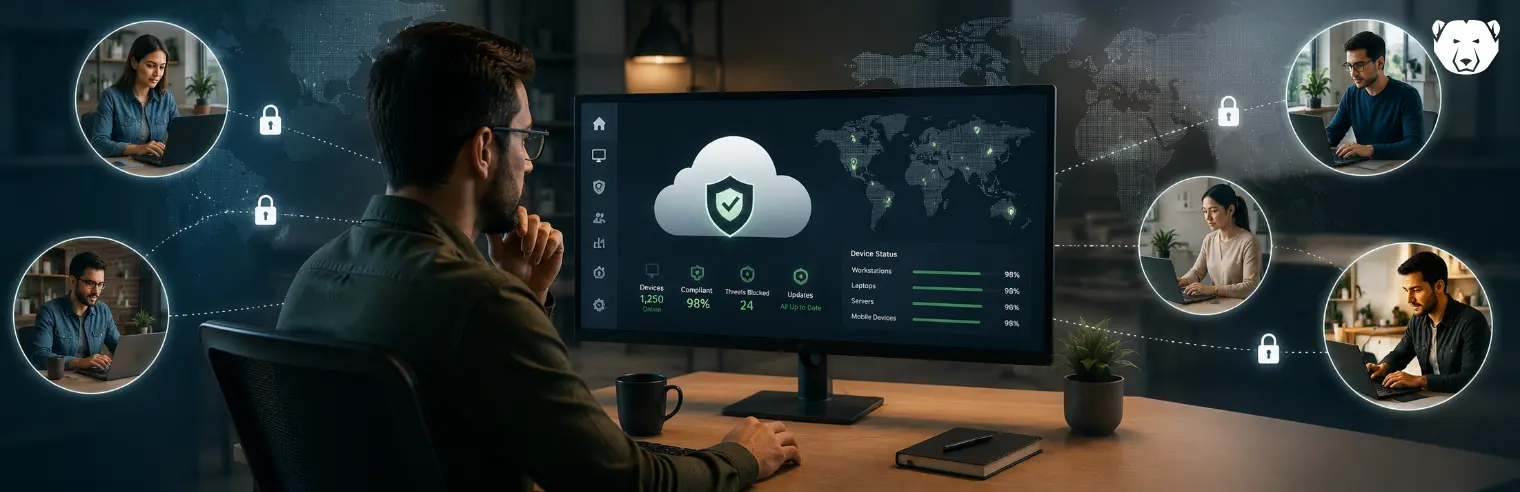
Managing a fleet spread across multiple sites means most machines sit beyond routine physical access. IT teams increasingly rely on cloud consoles to configure, patch, and monitor endpoints without setting foot on-site.
That raises a fair question: does moving control off-premises and onto the internet weaken security, or strengthen it?
Can Cloud Management Secure a Distributed Fleet?
Cloud-based management changes how visibility and control function across a fleet. Instead of checking each site separately, an administrator sees every device’s current state (patch status, running applications, and configuration state) in one place.
That consolidation closes gaps distributed environments create: machines that fall out of policy without detection until a failure occurs. Security in this model depends primarily on whether the console provides administrators an accurate, current view of the fleet—and the ability to act on it without visiting each site.
How Cloud-Based Management Secures Distributed Endpoints
Here’s how cloud-based management supports endpoint security at scale.
Centralized Visibility
A distributed fleet generates a large volume of scattered information. This includes which machines are patched, which are running unauthorized software, and which have drifted from their intended configuration. Relying on each site’s local tools to answer these questions produces a picture that is often partial and outdated.
A unified cloud console collects this data from every enrolled device and displays it in a single interface. Administrators work from one current source rather than reconciling several disconnected ones. This matters at scale, where gaps between separate tools are where problems typically go unnoticed.
Reboot-to-Restore as Built-In Recovery
Most endpoint security is designed to detect a threat and stop it before damage occurs. That approach depends on recognizing something as malicious, which means it can miss unfamiliar threats (including zero-day exploits). Reboot-to-Restore takes a different approach. It treats every change to a machine during a session as temporary.
An administrator sets a known-good baseline. On restart, the device reverts to that exact state, discarding any malware, misconfiguration, or accidental change made in between. It doesn’t need to identify what happened during the session to undo it, which makes it a useful backstop for the threats detection tools miss.
Application Whitelisting
Whitelisting inverts the usual antivirus model. Instead of blocking known threats and allowing everything else, it allows only approved programs to run and blocks everything else by default. Because it starts from denial rather than recognition, it can stop software that’s never been seen before, without needing a signature or behavioral pattern to flag it.
Managed from a central console, whitelisting policies can be built once through an audit mode that captures existing approved software, then applied consistently across grouped devices. Blocked attempts are logged centrally for review.
Automated Patching Across Locations
Unpatched software remains one of the more common ways attackers gain entry to a system, and the difficulty is rarely the patch itself. It is identifying which machines, across many locations, have fallen behind. A cloud console scans enrolled endpoints for missing operating system and third-party updates and flags those that are outdated.
It also allows an administrator to schedule and approve deployments to selected groups. This removes the need to log into each machine individually and keeps patch status visible without waiting for a manual audit to identify it.
Encrypted, Console-Based Access
Because a cloud console manages devices over the internet rather than a local network, the connection between endpoint and console has to be secured on its own terms. Data sent between a managed device and the cloud console is encrypted in transit. Most cloud endpoint agents also initiate an outbound connection to the management service (instead of accepting inbound traffic).
This avoids the need for open inbound ports or a VPN. Access to the console itself is typically gated by authentication controls the administrator sets. This keeps configuration changes and monitoring data restricted to authorized users, regardless of where a device sits physically.
Discover Faronics Cloud
Faronics Cloud brings core protections into a single web-based console, from patch management to application whitelisting. IT teams can secure and manage endpoints across any number of locations without visiting a single machine.
FAQs
Is Cloud-Based Management as Secure as On-Premises?
Security depends more on how access and data are controlled than on where the console is hosted. A properly secured cloud console can match or exceed the practical security of an on-premises tool.
How Is Data Secured in Transit to the Cloud Console?
Communication between a managed endpoint and the cloud console is encrypted. Most agents initiate outbound connections. This reduces exposure associated with open firewall ports.
Can Multiple Sites Be Managed from a Single Console?
Yes. Because management operates over the internet, physical location does not affect it. Devices at every site report to the same console, where administrators can group them and apply site-specific policies.
What Happens to Endpoint Security if the Cloud Provider Has an Outage?
Locally enforced settings and protections remain in place on the device. An outage limits new policy pushes and live monitoring until the console becomes reachable again. It does not remove security already configured on the endpoint.





 your Deep Freeze license count and free for up to 3 years