


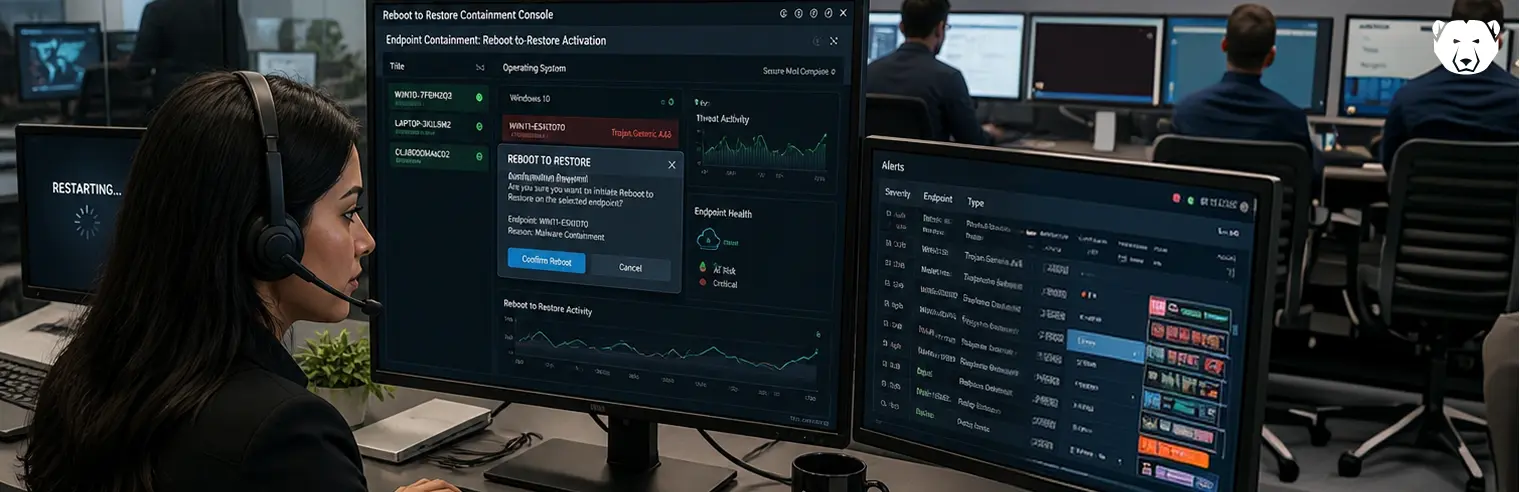
When malware hits a shared endpoint, the standard response is often to isolate the machine (cut it off from the network, pull it from service and begin remediation). Isolation contains the threat, but it also takes a machine offline that multiple users depend on.
Reboot-to-restore offers a different approach. Read on as we explain how it works and where it fits in incident response.
Why Isolating Shared Endpoints Disrupts Operations
Host isolation is designed around assigned devices. One person loses network access while responders work, and the impact is limited to that user. On a shared endpoint, there is no single owner, so the disruption affects whoever needs it next.
The disruption rarely ends there. Malware remediation on a workstation may require reimaging, which can keep the device out of service after the network cut. Because shared machines are deployed in sets, one alert often pulls a whole lab or bank of kiosks out of rotation.
How Reboot-to-Restore Neutralizes Malware Without Taking Devices Offline
Isolation contains a threat by cutting the machine off from the network. Reboot-to-restore works at a lower layer by preventing changes from persisting to the disk. A filter driver sits between Windows and the protected volume, shaping what happens to writes during the session and what remains after a restart.
Write Redirection During the Active Session
The driver sits in the storage stack beneath the file system, where it sees raw sector writes. Every write aimed at the protected volume is diverted to a temporary overlay, while the original sectors remain unchanged. A map records where each redirected sector is stored, so later reads return the overlay copy and the running system sees its own changes.
Malware behaves normally under this arrangement, which is the point. It installs, writes files, and reports success (all inside the overlay). This includes the artifacts responders normally look for:
- Registry run keys and service entries, since the hives containing them are sector writes like any other
- Scheduled tasks and startup folder items
- Dropped executables, DLLs, and configuration files anywhere on the protected volume
No classification happens at this layer. The driver does not determine whether a write is malicious, only where it is directed, so an unrecognized dropper is handled the same as one with a signature.
Cache Discard on Reboot
Everything the session produced sits in the overlay, a cache in the plain sense of the word (a holding area). The reversal is not a cleanup routine. On restart, the driver discards the map and releases the overlay for reuse. With nothing left to consult, every read resolves to the original sectors, which were never altered. Memory clears with the same restart, which covers payloads that only ever ran in RAM.
Because there is nothing to scan, quarantine, or roll back, the endpoint comes back at its baseline on the next boot instead of entering a remediation queue. What the restart does not undo is worth noting:
- Writes outside the protected volume survive. Thawed partitions, mapped drives, network shares, and attached USB media are unaffected.
- Credentials typed and data sent during the session are already out. The endpoint is clean, while the account is not.
- Volatile evidence goes with the overlay. If the incident needs forensics, capture memory and the affected files first.
Network-side containment and credential resets still belong in the playbook. The reboot handles the endpoint.
Discover Deep Freeze
Faronics Deep Freeze applies patented reboot-to-restore technology to shared endpoints, holding each machine at a baseline the administrator defines and returning it there on restart. It gives responders a containment step that does not pull the device out of rotation.
Discover how Deep Freeze fits your incident response process.
FAQs
Does a Restart Remove Malware From a Frozen Endpoint?
If the malware only wrote to the protected volume, yes. Those writes go with the overlay, and memory clears at the same time.
Do I Still Need To Isolate the Machine From the Network?
It depends on the alert. A restart ends what runs on that endpoint, not what already reached accounts, shares, or other hosts.
Does Rebooting Destroy Forensic Evidence?
Yes. Memory and the overlay both go, so collect what an investigation needs before restarting.
Does Reboot-to-Restore Replace Antivirus or EDR?
No. It does not stop what happens during a session, so detection tools still matter for catching activity while it runs.





 your Deep Freeze license count and free for up to 3 years