


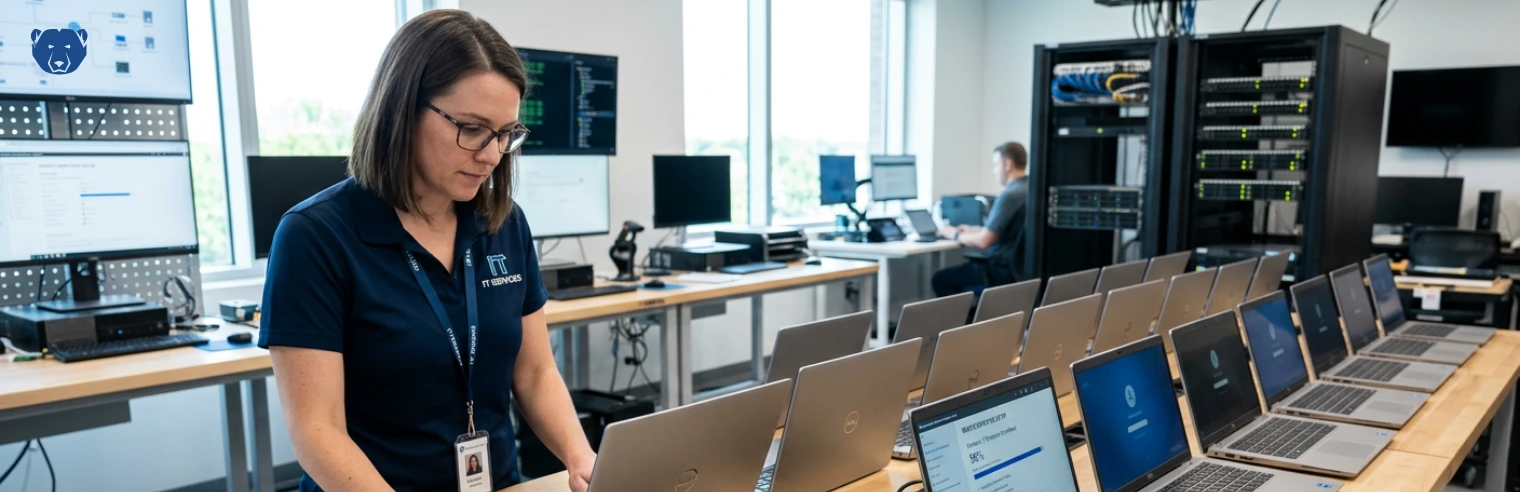
Loaner laptops rarely come back the way they left. They get used on home networks, connected to unknown devices and loaded with whatever tools are needed to get the job done. By the time they return, the original setup is gone.
The usual response is to wipe and reimage the device. This method works, but it takes time and doesn’t scale well when laptops are constantly moving between users.
Fortunately, there’s a more practical way to handle it — one that keeps devices in a known state without rebuilding them every time.
What actually happens to loaner devices
Loaner laptops often “drift.” A user installs software for a project. A browser extension gets added. Settings are adjusted to suit a home setup. None of this is unusual, and most of it isn’t risky on its own. It’s just how people work outside a controlled environment.
The issue is that these changes stay on the device. Over time, that leads to a mix of problems:
- Software conflicts that weren’t there before
- Unknown applications left behind after use
- Security gaps from unapproved installs
- Systems behave differently across loan cycles
By the time the laptop comes back, IT doesn’t know exactly what state it’s in. Reimaging is usually the safest option, even if most of the system is still usable.
Why reimaging becomes the default
Reimaging clears everything and restores a clean, approved configuration. Simple in theory, but the trade-off is the effort involved.
Each rebuild takes time — deploying the image, reinstalling software and checking that everything works as expected. When you’re handling a steady flow of loaner devices, this process can become quite time-consuming.
As a result, devices aren’t ready to be reissued straight away, which can delay onboarding or short-term assignments.
But the bigger issue is that the cycle repeats. A laptop is rebuilt, sent out, modified during use and then rebuilt again on return.
Keeping the baseline without rebuilding
Instead of resetting the device after it returns, you can control what stays on it while in use. This is called the reset-based approach.
With tools like Deep Freeze, IT teams define a clean baseline before issuing the laptop. That baseline includes the operating system, required software and standard configurations.
Once the device is in use, a restart removes any changes made during a session — software installs, configuration tweaks or user activity. The system returns to its original state automatically.
This method of maintaining the system changes the behavior of loaner devices over time:
- The system doesn’t accumulate changes across users
- Unapproved software doesn’t persist
- Each user starts from the same configuration
- Devices come back in the same state they were issued
What this looks like for remote users
From the user’s side, nothing feels restricted. They can install tools, adjust settings and work as needed during their session. If something breaks, a restart clears it. When they’re done, the system resets before the next use.
For remote workers, this flexibility is crucial. They’re not blocked by permissions or waiting on IT for small changes.
From IT’s perspective, the device stays predictable. It doesn’t matter how long the laptop was in use; the next session starts clean.
Reducing the need for full rebuilds
When systems reset themselves as part of normal use, the need for reimaging drops.
You’re no longer dealing with accumulated changes or unknown configurations. The baseline is always there, reinforced on restart.
Rebuilds, however, still have a place when it comes to hardware issues or major upgrades, but they’re no longer the default every time a device returns.
Enforcing clean baselines reduces workload in a few practical ways:
- Less time spent deploying and maintaining images
- Faster turnaround when a device changes hands
- Fewer checks just to confirm what state a system is in
- More consistency across loaner devices
- No need to trace back what a previous user installed or changed
- Fewer “it worked yesterday” type issues
- Less back-and-forth trying to reproduce problems
- Reduced reliance on full rebuilds as a fallback
A cleaner way to manage loaner fleets
By enforcing a clean baseline during use, rather than after the fact, you remove most of the variability that leads to reimaging. Devices remain consistent, reduce risks and allow IT teams to spend less time manually resetting systems.
If you’re managing laptops that move between users and locations, it’s worth looking at how a reset-based approach can simplify that cycle.
Get in touch with the Faronics team to see how Deep Freeze can help you keep loaner devices secure, consistent and ready for the next user without having to rebuild them every time.





 your Deep Freeze license count and free for up to 3 years