


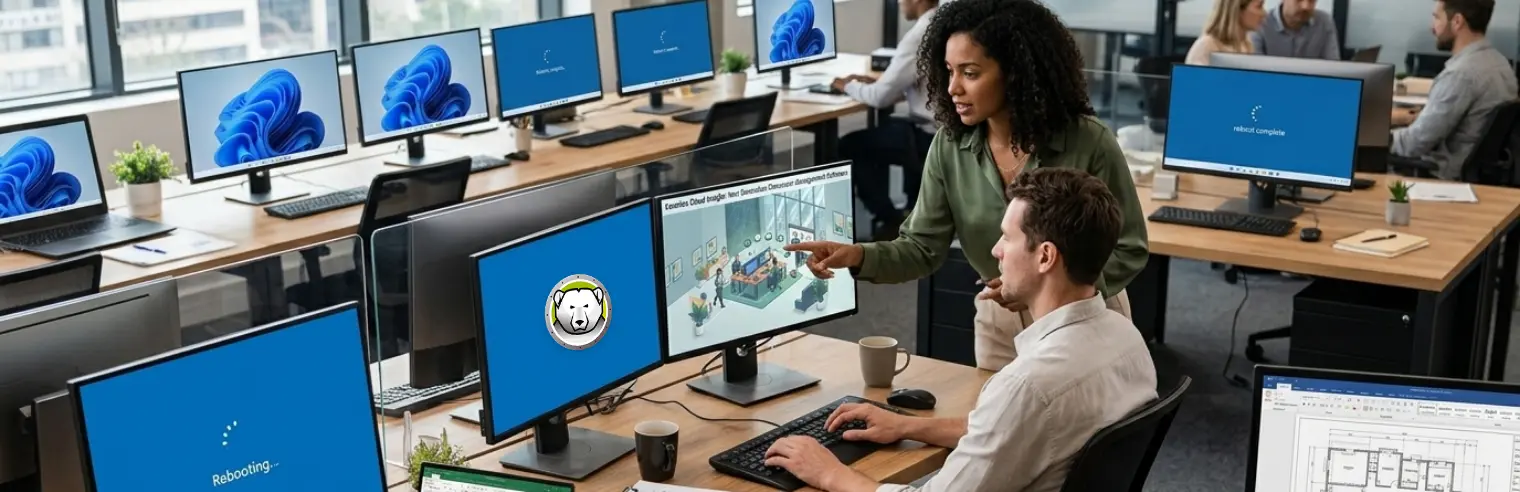
Shared Windows computers can accumulate user-initiated changes over time. With a standard Windows setup, these changes persist between users and can cause the endpoint to drift from its intended configuration.
Non-persistent endpoint management prevents this drift by returning machines to a known state. Reboot-to-Restore, virtual desktop infrastructure (VDI), and reimaging are three approaches to achieving this.
Understanding Non-Persistent Windows Endpoints
A non-persistent Windows endpoint is a physical or virtual Windows computer that does not permanently retain changes made during use. Instead, it returns to a known configuration (called the baseline).
Depending on the approach, this occurs when the computer restarts, when the user signs out, or on an IT-defined schedule. Files that users need to retain must be stored outside the reset scope, such as on a network share.
Comparing Non-Persistent Windows Endpoint Approaches
The following three approaches return Windows endpoints to a known configuration, but differ in where that configuration is maintained and when it’s restored. The sections below describe how each approach works.
-
Reboot-to-Restore
Reboot-to-Restore returns a computer to its baseline when it restarts. Software on the computer intercepts changes written to the protected drive and redirects them to a temporary location, leaving the original data intact. These changes are discarded at the next restart, returning the computer to the state established when the administrator enabled protection.
Because the original data remains intact, restoring a machine requires only a restart. The reset occurs entirely on the device, without requiring a server or network connection. It’s also possible to configure machines to restart when a user signs out, ensuring that the next user starts from the baseline. Reboot-to-Restore does not need to identify what changed. Accidental configuration changes and malware written to the drive are discarded in the same way, without requiring prior diagnosis.
The same mechanism discards wanted changes, too. For updates or new software to persist, protection must be disabled, typically during a scheduled maintenance window. Any change made while protection is disabled (whether intentional or otherwise) becomes part of the baseline. Because each computer maintains its own baseline, updates must be installed on each machine individually. It’s not possible to update a central image once and apply it to all machines.
-
VDI
Virtual desktop infrastructure hosts Windows desktops on virtual machines in a data center or the cloud. Users connect from local devices, which display the desktop and transmit keyboard and mouse input to the virtual machine. Non-persistent VDI builds desktops from a shared master copy called a golden image. Each desktop is reset to that image at sign-out, restart, or rebuild, depending on the platform.
VDI centralizes desktop maintenance and data storage. Administrators update a single golden image, and desktops based on that image receive the updates when they’re reset. User files can also be stored with the desktop in the data center or cloud, keeping them separate from the local device.
Hosting desktops centrally requires back-end infrastructure. The organization must provision and maintain sufficient server or cloud capacity to support concurrent users. Sessions also depend on network connectivity. If the connection fails, users cannot access their desktops. Slow connections can delay keyboard input and screen updates. The local device also requires separate management because VDI resets only the virtual desktop.
-
Reimaging
Reimaging erases a computer’s system drive and replaces its contents with a Windows image. The image is a preconfigured copy of the operating system that can include approved applications and settings. In a network deployment, the computer can boot from the network. A deployment server then provides a lightweight setup environment that formats the drive and applies the image.
The result is a complete rebuild. Existing data and system files on the drive are removed, including damaged files and malware. Every machine imaged from the same source receives the same configuration. Updating the image provides a controlled method for deploying larger changes, such as a new version of Windows.
Reimaging resets a machine on demand or according to a defined schedule. Between reimaging operations, the endpoint retains changes as a standard Windows installation does. A machine undergoing reimaging remains out of service until the image has been transferred and installed. Reimaging multiple machines simultaneously can place a significant strain on the network. If the image does not include Microsoft’s latest monthly updates, machines reimaged from it require patching after deployment.
Discover Deep Freeze
Deep Freeze provides Reboot-to-Restore protection for Windows endpoints, returning each machine to an administrator-defined baseline when it restarts. This reduces configuration drift, minimizes downtime, and simplifies endpoint management.





 your Deep Freeze license count and free for up to 3 years