


- Deep Freeze Cloud
- Faronics Labs
- Faronics Deploy
Remote Control
Unattended, reliable remote access-built for fast support, real-time visibility, and full control.
Request a Demo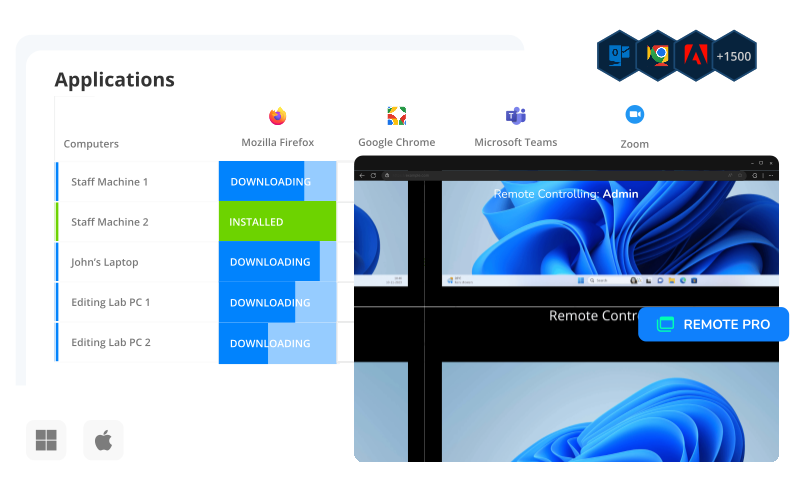
Remote Pro
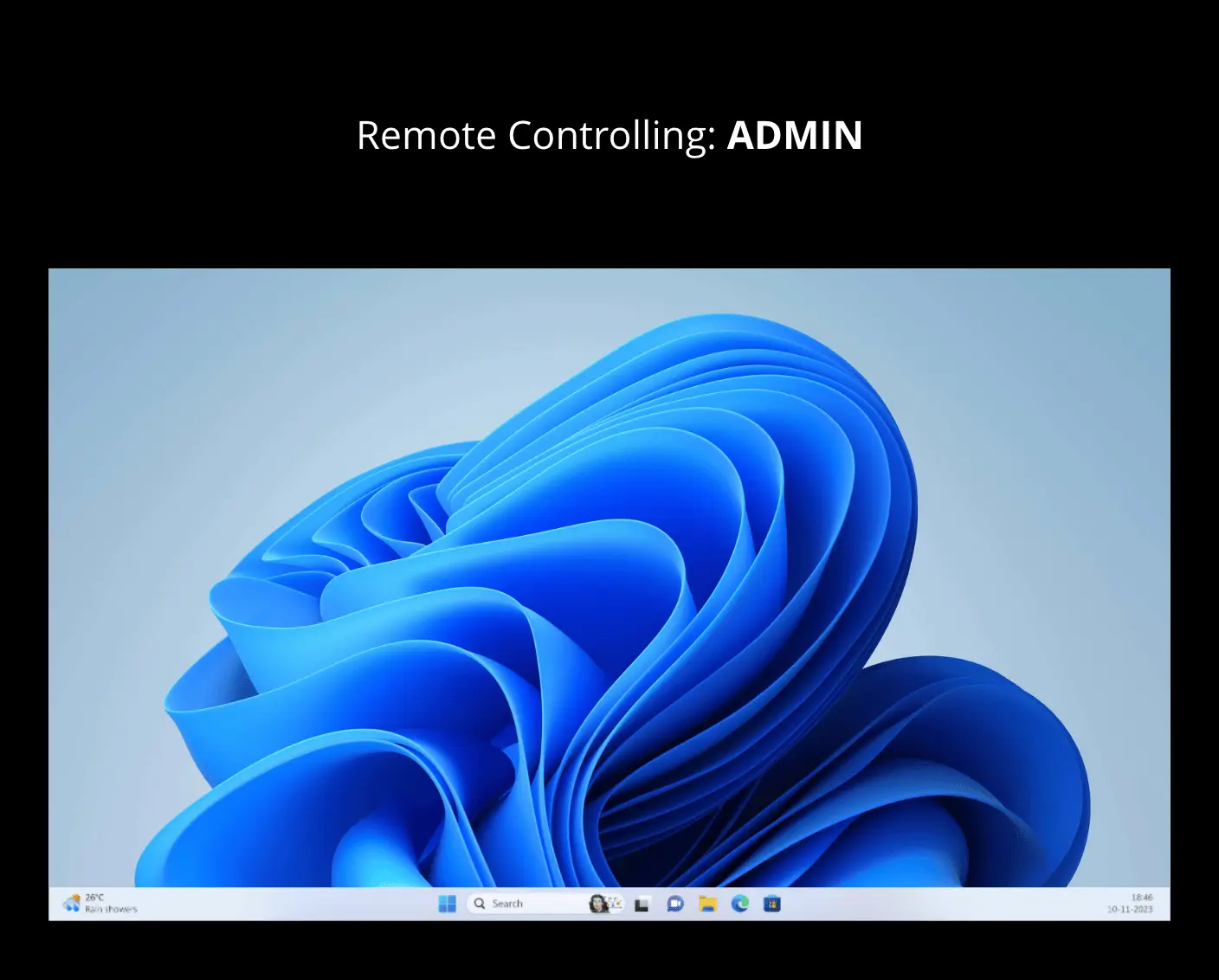
Connect instantly to any managed device from a browser—no local setup or VPN needed.
- Universal access: Launch remote sessions from any browser on any platform.
- Active session shadowing: Monitor or collaborate on user sessions in real time.
- Seamless UAC handling View and respond to User Account Control prompts without interrupting workflows.
Remote Desktop Protocol (RDP)
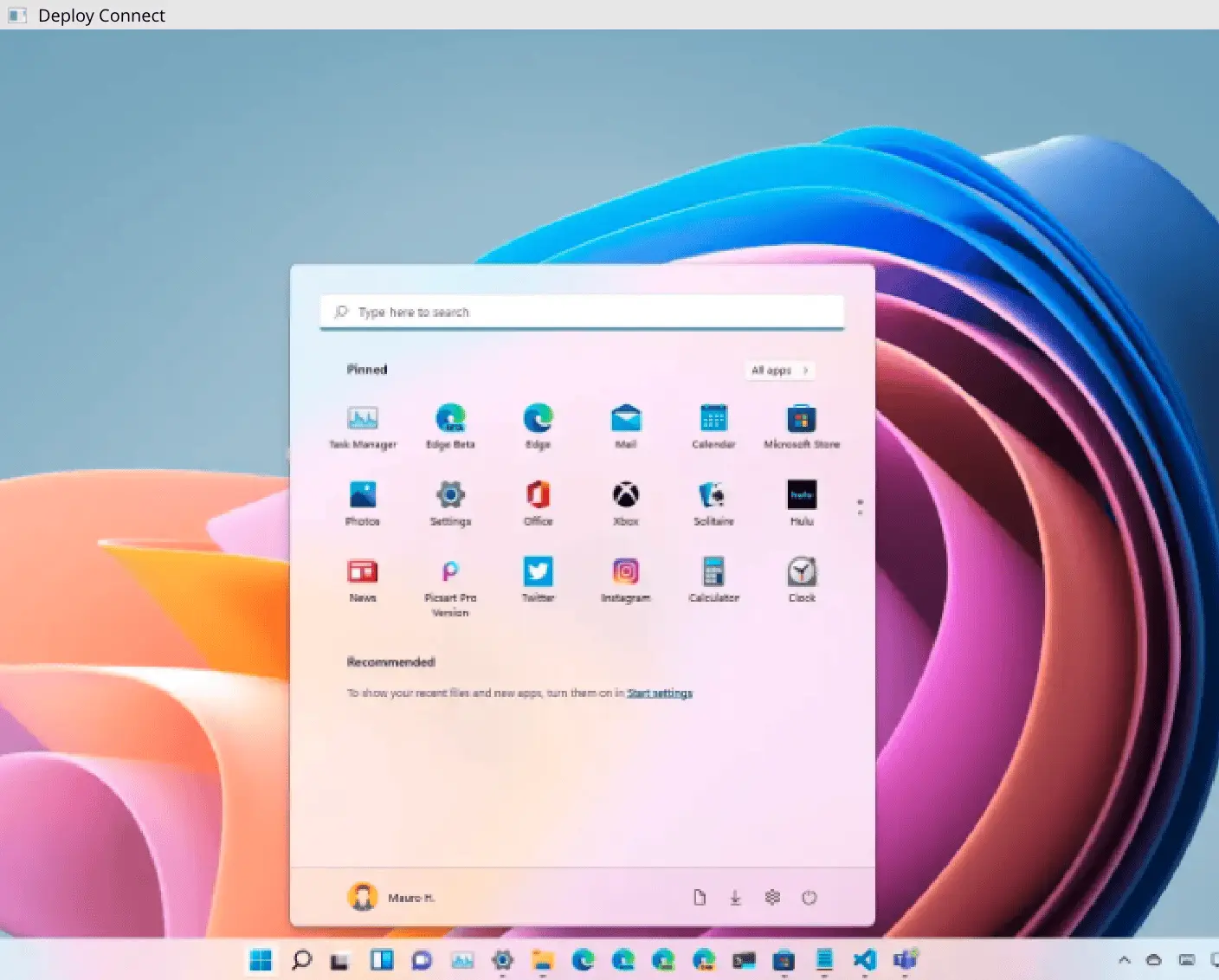
Access devices securely with native cloud-based RDP, preconfigured and managed automatically by Deploy.
- Instant access: Start remote sessions without requiring user permission.
- Secure authentication: Log in using domain or local credentials.
- Seamless file transfer: Move files between local and remote systems quickly and easily.
Virtual Network Computing (VNC)
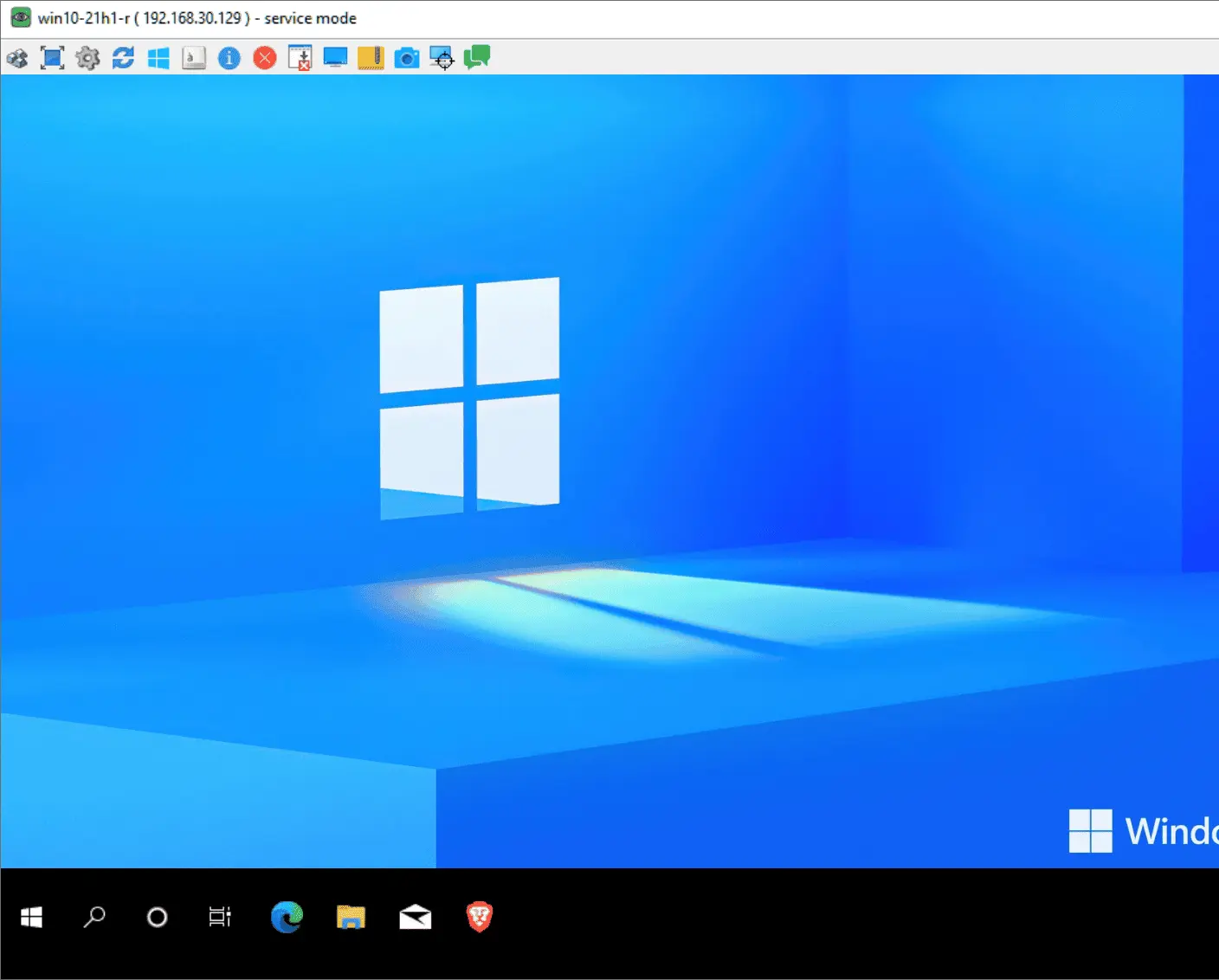
Get full desktop access to Windows and macOS systems with client-based VNC support.
- Secure connections: Encrypted VNC sessions with persistent access for uninterrupted management.
- Cloud-enabled access Connect to any VNC-compatible client from anywhere without complex setup

Deploy has completely changed my world. The first time I pushed out an update for our secure browser, there was nothing to it. 5 minutes later all 1,400 student computers had the update.
Nick Steenberg
District Technician, Wheatland School District

Our IT department is a lot more efficient, we have a more secure environment and managing updates in a timely way is a lot easier thanks to Deploy and Deep Freeze.
Matt Beckstrom
Systems Manager, Lewis & Clark Library

Deploy became invaluable to us during the pandemic because we were able to quickly onboard all our staff PCs.
Laura Nawrocik
Head of Information Technology, Mercer County Library, Central New Jersey

In the past, I would have to manually go to every computer to keep it up to date. Right now, it’s just me. I’m a one-man show. Faronics was that “second person,” that helps me maintain control over my fleet automatically. It’s saved loads of time.
Parker Reed
IT Administrator, Allied Dispatch Solutions
Get Started Today
Lightning-fast deployment for Applications, Windows Updates and Operating Systems.
Request a DemoFAQs
- Remote Pro offers browser-based remote access with session shadowing and UAC handling—no separate client needed. RDP and VNC offer native or client-based access for more traditional remote control needs.
- No. Remote Pro is enabled via policy in Deploy. Once enabled, sessions can be launched directly from the console without manual setup.
- Yes. You can configure unattended access for Remote Pro, RDP, or VNC through Deploy’s remote access settings.
- Yes. Remote Pro supports full interaction with UAC dialogs and secure desktop prompts.
- File transfer is supported in Remote Pro, RDP and VNC sessions.
- Yes. Remote Pro works from any modern browser—Windows, macOS, Linux,, iOS or Android.
- Access is managed using Deploy roles and permissions. You can control who can initiate sessions and what actions are allowed.
- Yes. macOS devices can be accessed via VNC. Remote Pro currently supports Windows-based systems.
- User approval is optional. You can configure Deploy to require consent or allow unattended access based on policy.

We're here to help you in any way possible.


 your Deep Freeze license count and free for up to 3 years