|
1.
|
Go to Start>Programs>Faronics>Anti-Virus Enterprise>Faronics Anti-Virus Enterprise. Alternatively, you can double click on the Faronics Anti-Virus icon in the System Tray.
|
|
2.
|
|
3.
|
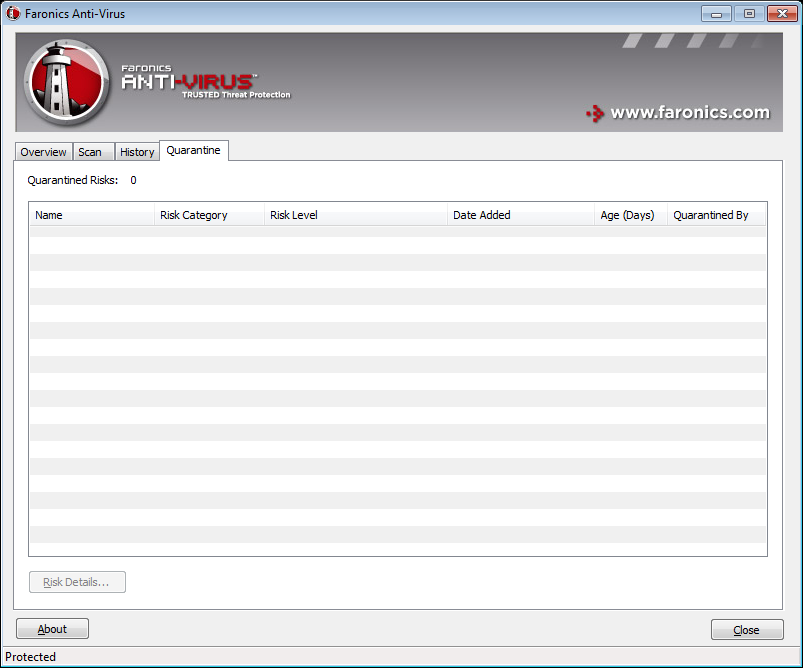
Click Risk Details. The following information about each infected file is displayed:
|
|
•
|
|
•
|
Details - select a file and click Details to view details of the infected file. This also displays the recommended action.
|