|
1.
|
Go to Start>Programs>Faronics>Anti-Virus Enterprise>Faronics Anti-Virus Enterprise. Alternatively, you can double click on the Faronics Anti-Virus icon in the System Tray.
|
|
2.
|
|
•
|
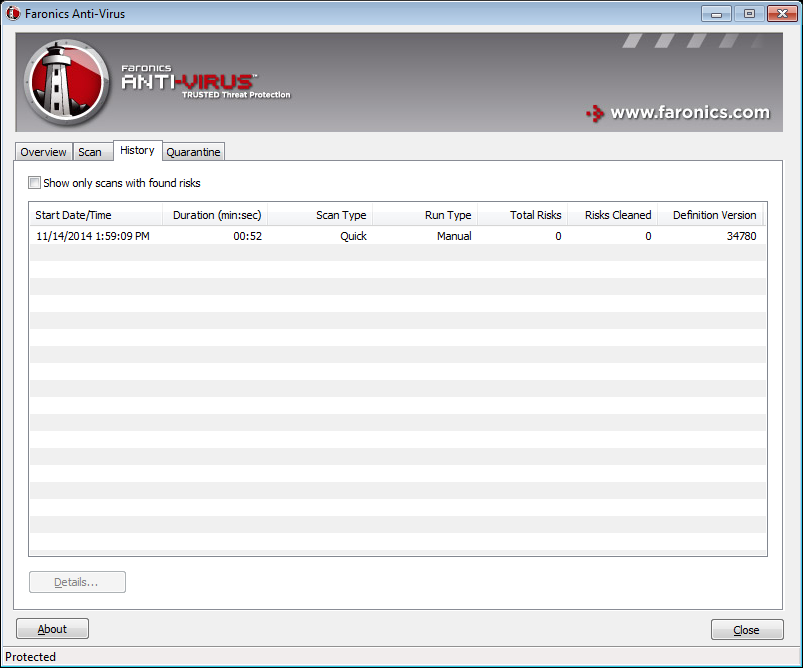
Show only scans with found risks - select this option to view only the scans where risks were found.
|
|
•
|
Details - select an entry and click details to view the details of the scan.
|