|
2.
|
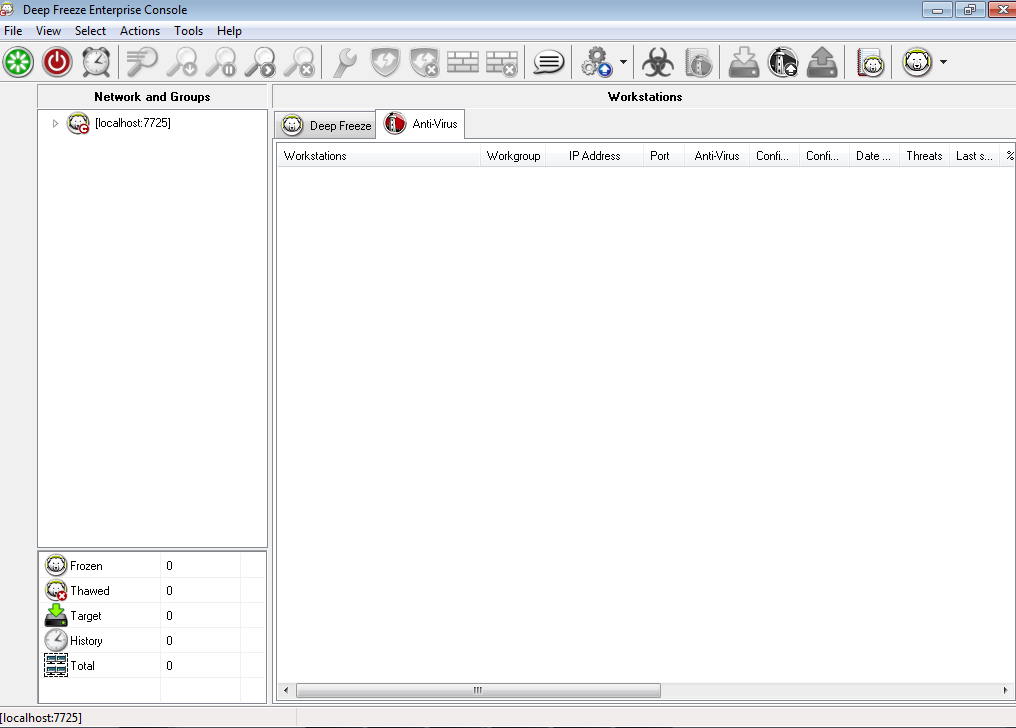
Go to Tools > Licensing > Faronics Anti-Virus License.
|
|
3.
|
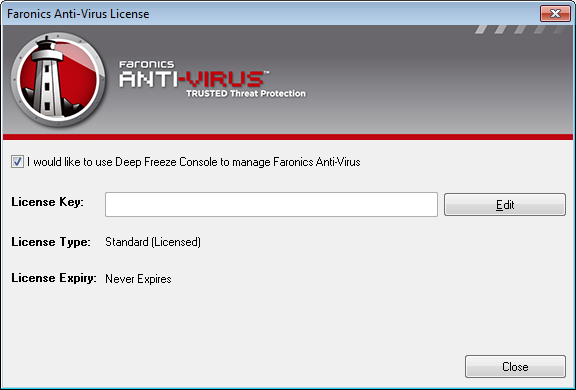
Select the I would like to use Deep Freeze Console to manage Faronics Anti-Virus check box.
|
|
4.
|
Click Edit.
|
|
5.
|
Enter the License Key and click Update License.
|
|
6.
|
Click Close. The Anti-Virus installer files are downloaded. The Anti-Virus columns are displayed in the Workstation pane. The Anti-Virus sub-node is added under Available Configuration in the Network and Groups pane.
|