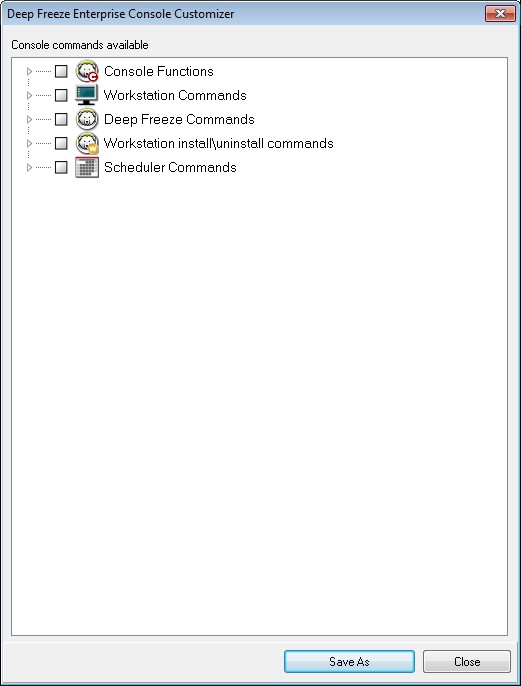
Select or clear the individual check boxes as required. Alternatively, select or clear the entire categories at once. Settings that are cleared will not be available in the new Enterprise Console you create. For an example on how to use the Console Customizer in a practical scenario, refer to Appendix D.
|
1.
|
Select Tools>Console Customizer.
|
|
4.
|
Click Save As to save the Console. Specify a name for the file.
|
|
5.
|
When you double-click the newly created .exe file, the Console with the limited functionality is launched.
|