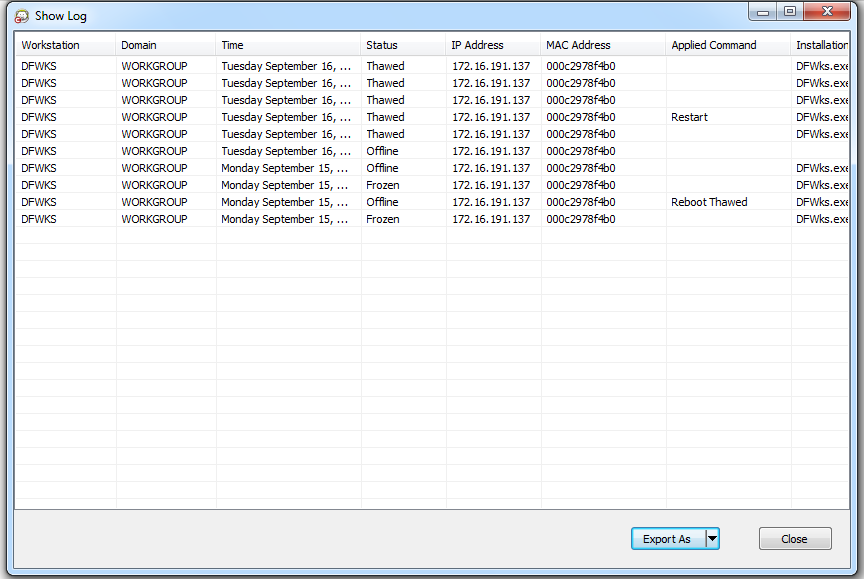
Viewing the Console Log File The Enterprise Console keeps a log of the status and activity history of all connected computers. The log stores information for the previous 7 days. Information older than 7 days is automatically deleted from the log. • To view the log file for one or many computers, right-click on the computer(s) and select Show Log. • To sort the log file, click on a preferred heading. The following columns are available: — Workstation — Domain — Time — Status — IP Address — MAC Address — Applied Command (Frozen, Thawed, Restart, Shutdown) — Installation File • To export the log file click Export As and select Text or CSV. Specify the name of the file and click OK.