After a task has been scheduled, it appears under the Scheduler in the Network and Groups pane of the Console.
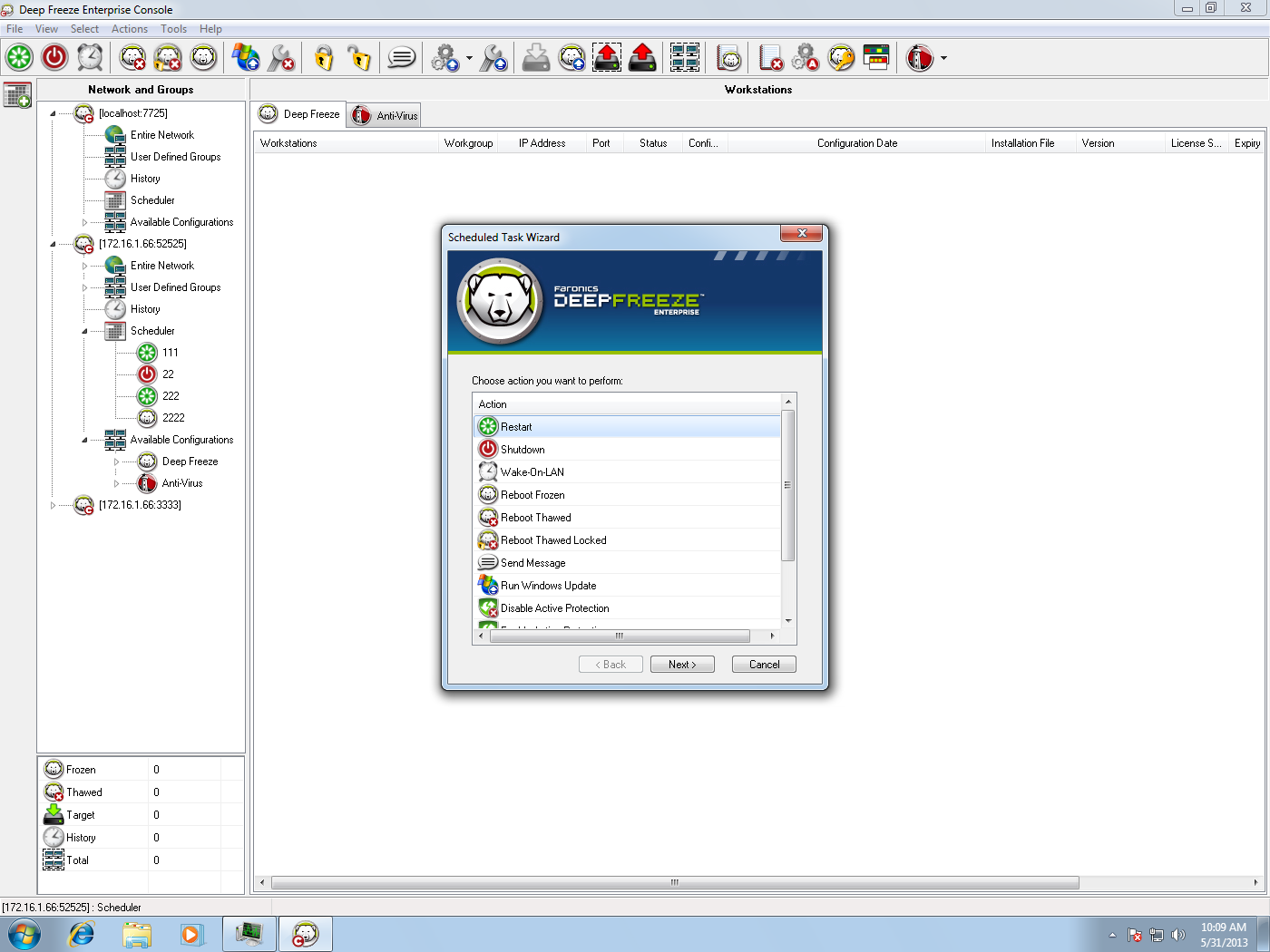
To assign computers to a task, select the preferred computers from the Workstations pane in the Console and drag them onto the preferred task. Or, drag a group onto the task.
To see which computers are assigned to a specific task, click on the task. The assigned computers appear in the Workstations pane.
To delete a computer from a task, right-click on the computer and select Remove from Task.