Using Deep Freeze Enterprise Console : Scheduling Deep Freeze Tasks

Scheduling Deep Freeze Tasks
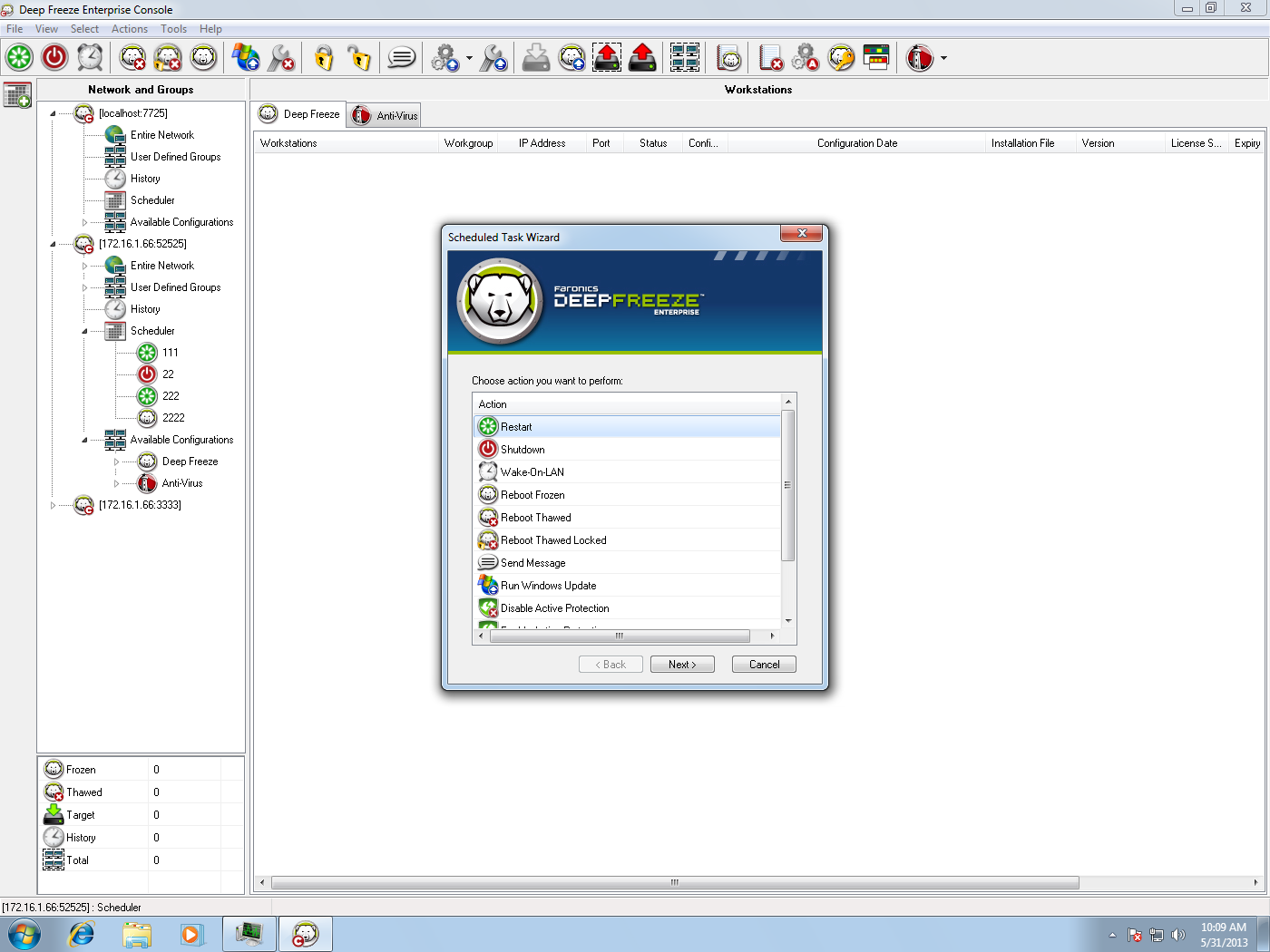
To schedule a Deep Freeze task in the Enterprise Console using the Scheduled Task Wizard, complete the following steps:
1.
Open the Scheduled Task Wizard in one of the following ways:
click Scheduler in the Network and Groups pane and click the Add Task icon
right-click on Scheduler in the Network and Groups pane, and choose Add Task
The following screen is displayed:
2.
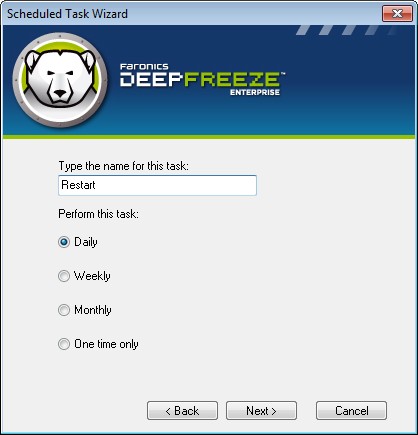
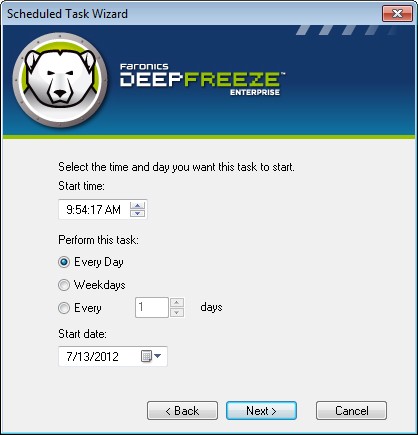
Double-click the preferred task or select the task and click Next. The following tasks are available for Deep Freeze:
3.
4.
5.
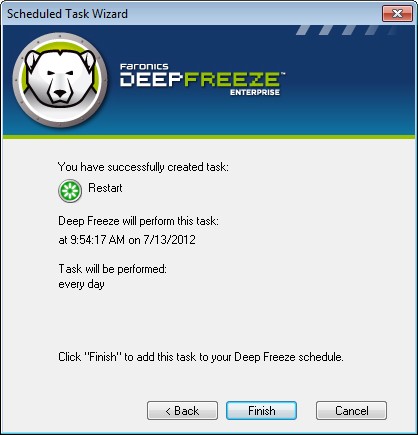
Click Finish once the configuration is completed.