|
1.
|
|
2.
|
|
3.
|
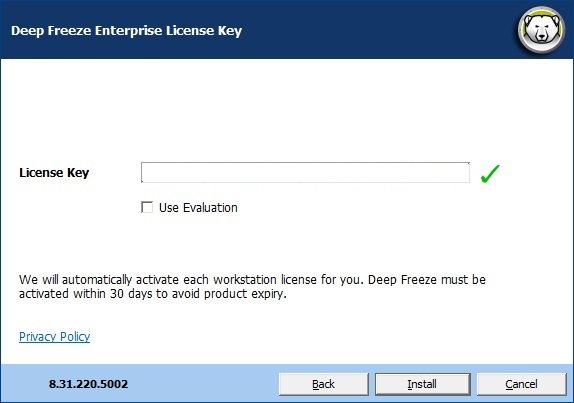
Enter the License Key in the License Key field or select the Use Evaluation check box to install in Evaluation mode. Click Next. (Deep Freeze will automatically activate the workstation licenses. Deep Freeze must be activated within 30 days to avoid expiry.)
|
|
4.
|
Enter the License Key in the License Key field or select the Use Evaluation check box to install in Evaluation mode. Click Install.
|
|
5.
|
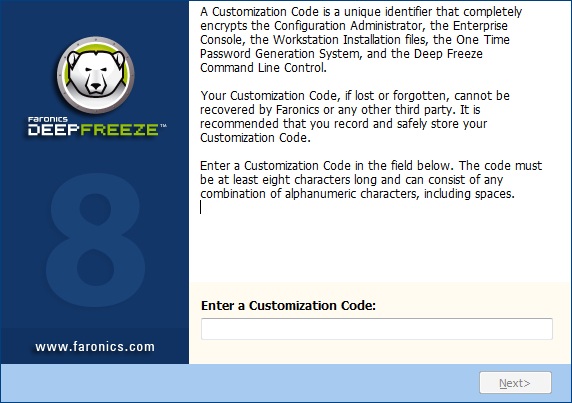
The Customization Code screen appears.
|
|
6.
|
Specify the Customization Code and click Next. The Customization Code must be a minimum of eight characters.
|